✅ Step 1: Install the Gemini Code Assist Extension
- Open VS Code: Launch Visual Studio Code on your computer.
- Access Extensions View: Click on the Extensions icon in the Activity Bar on the side of VS Code (or press
Ctrl+Shift+XorCmd+Shift+X). - Search for Gemini Code Assist: In the search bar, type “Gemini Code Assist” and press Enter.
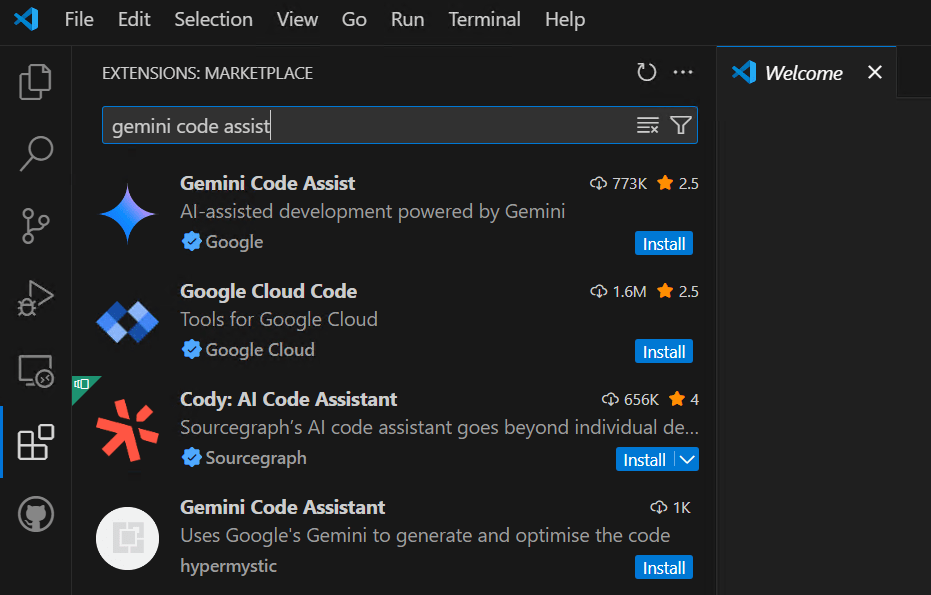
- Install the Extension: Locate the Gemini Code Assist extension in the search results and click the Install button.
✅ Step 2: Sign In with Your Google Account
- Sign In: After installation, click on the Gemini Code Assist icon in the bottom-right corner of VS Code.
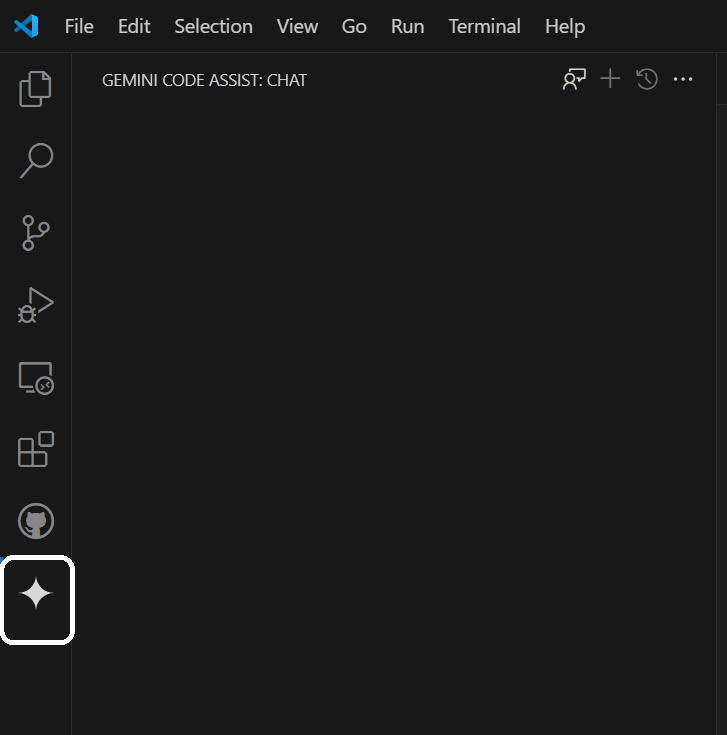
- Authenticate: Follow the prompts to sign in with your Google account.
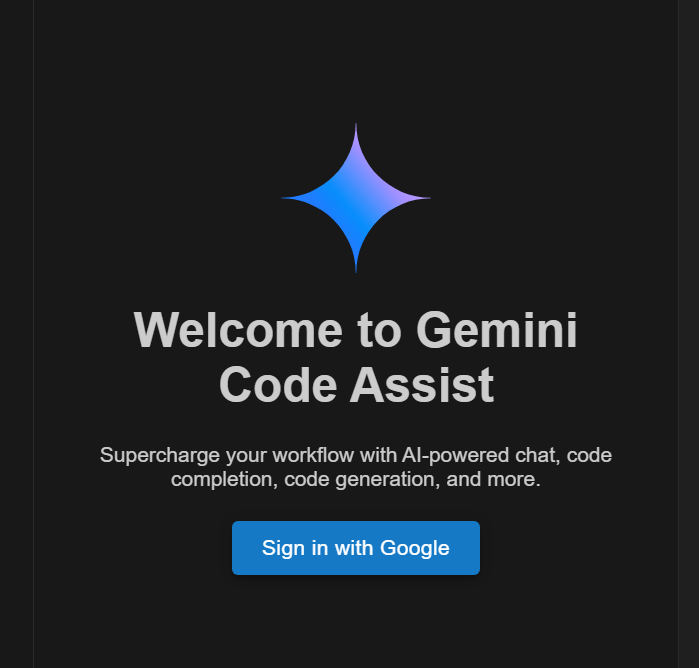
- Accept Privacy Notice: Review and accept the Gemini Privacy Notice.
 performancetestgurus.com
You must be logged in to post a comment.